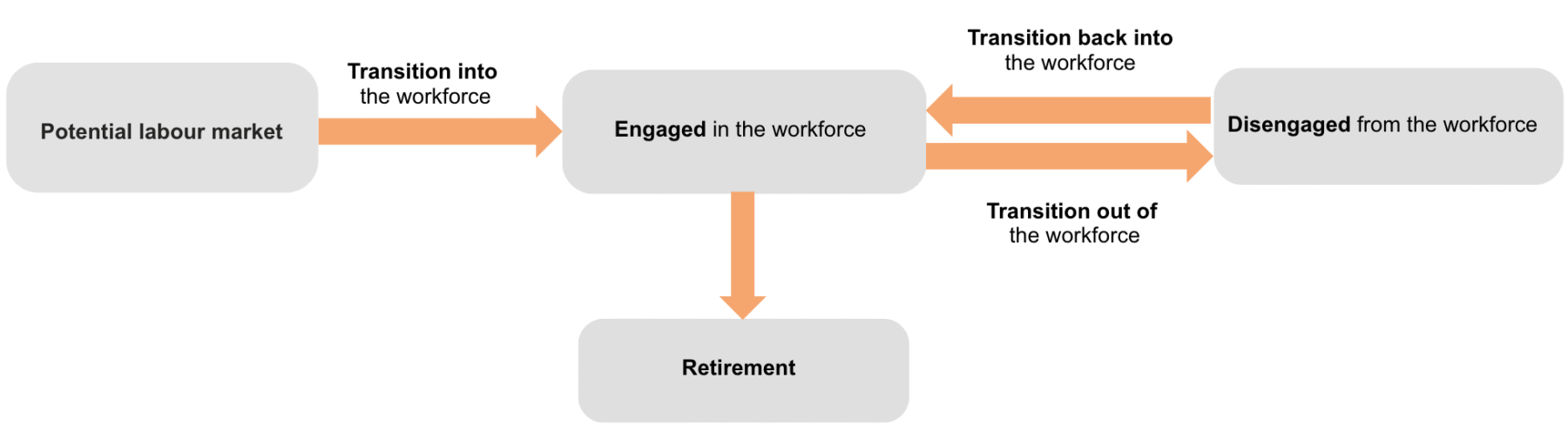
Workforce Journey Indicators dashboard
Explore data dashboard
Start by clicking on the “☰” icon at the top left corner to explore the dashboard.
To open a dashboard in full-screen mode, click on the full-screen icon in the bottom-right menu bar.
Start by clicking on the “☰” icon at the top left corner to explore the dashboard.
To open a dashboard in full-screen mode, click on the full-screen icon in the bottom-right menu bar.